


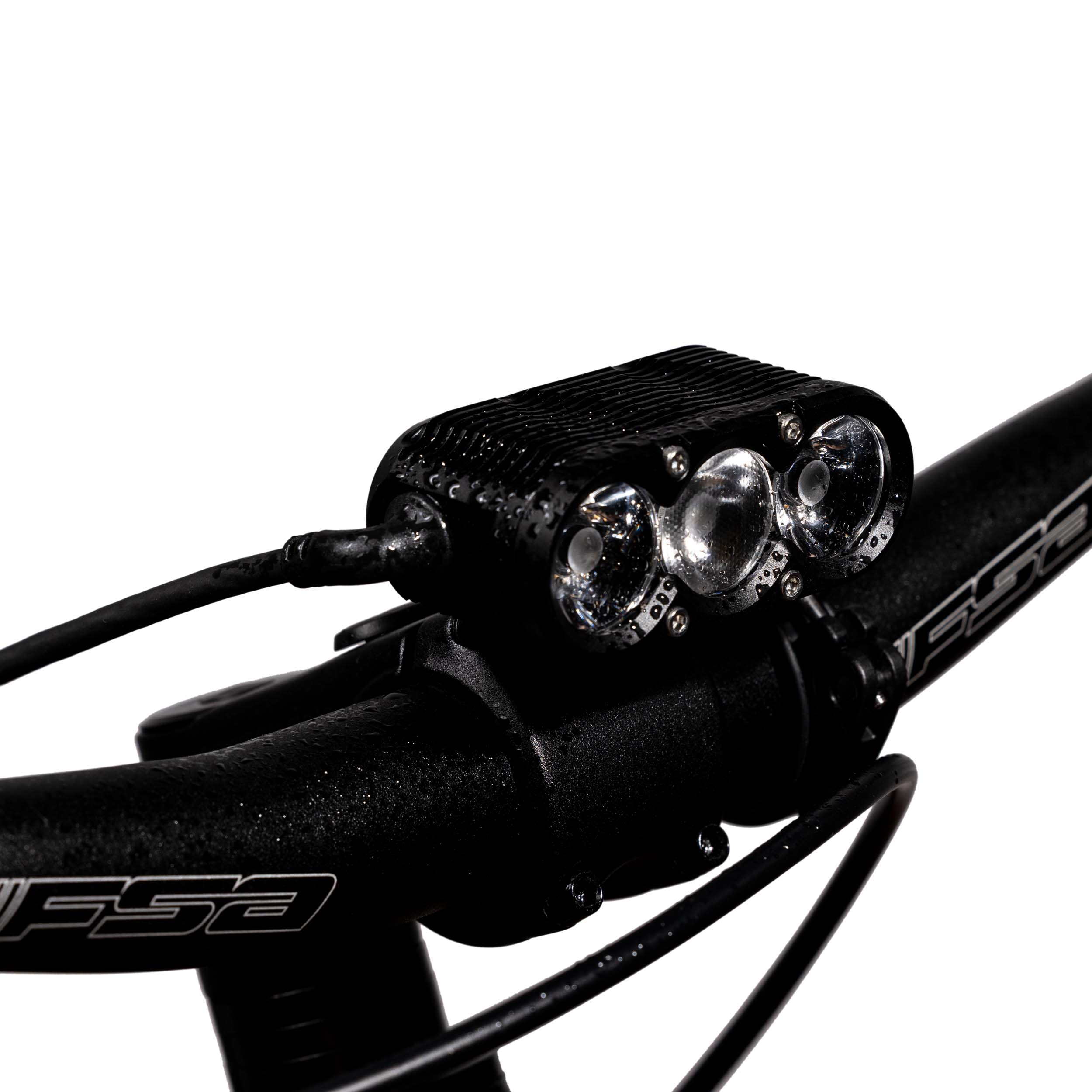
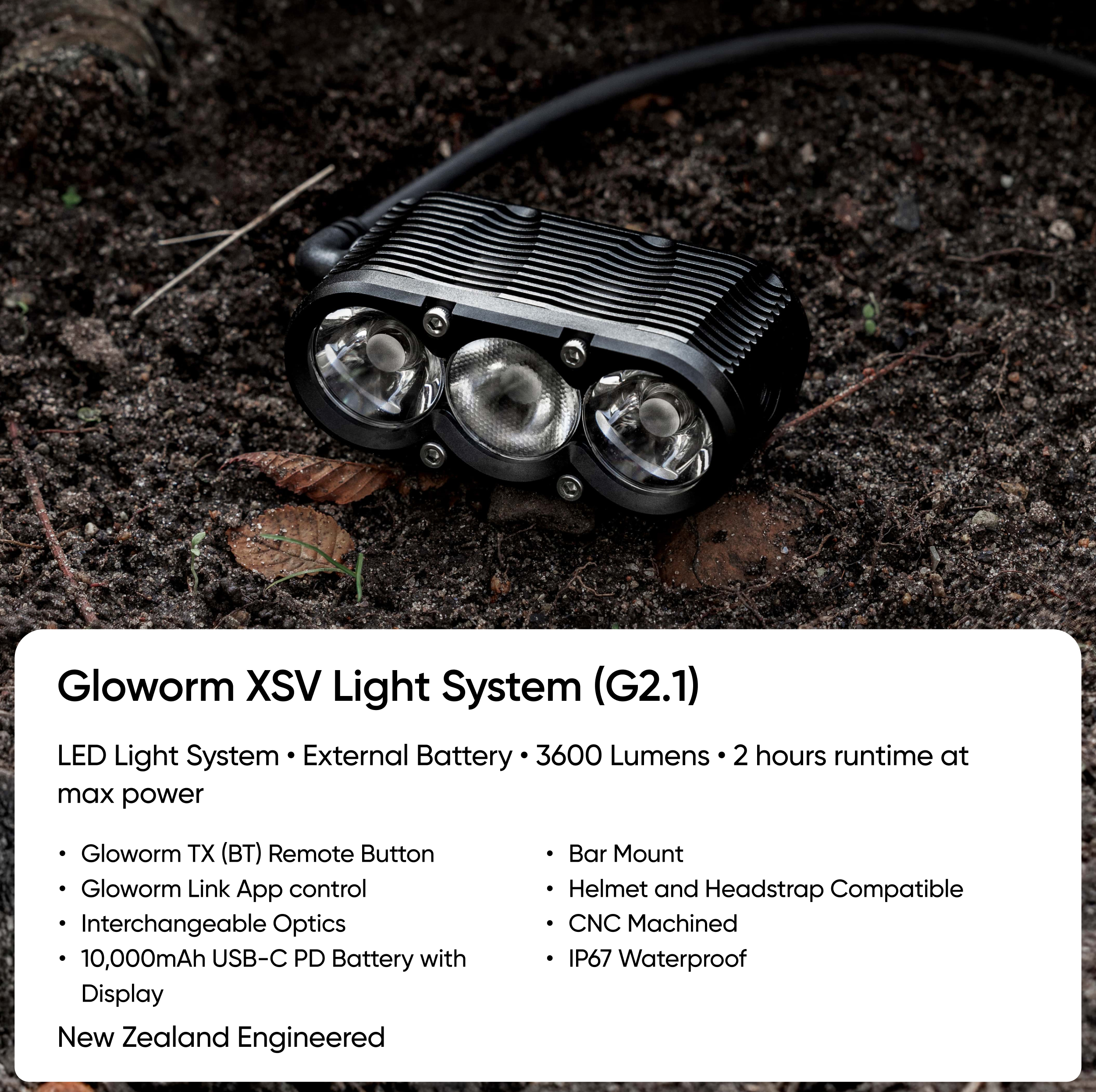
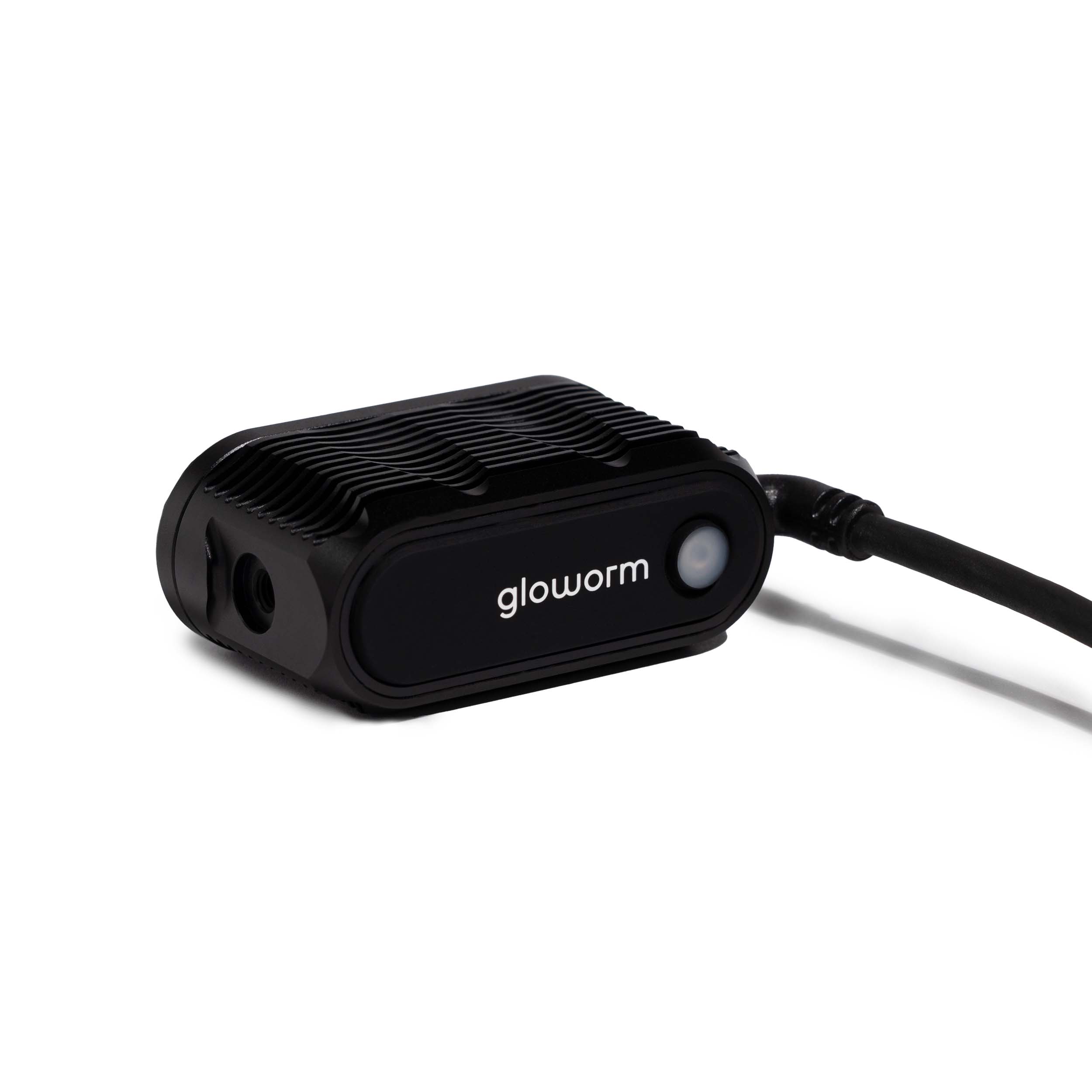
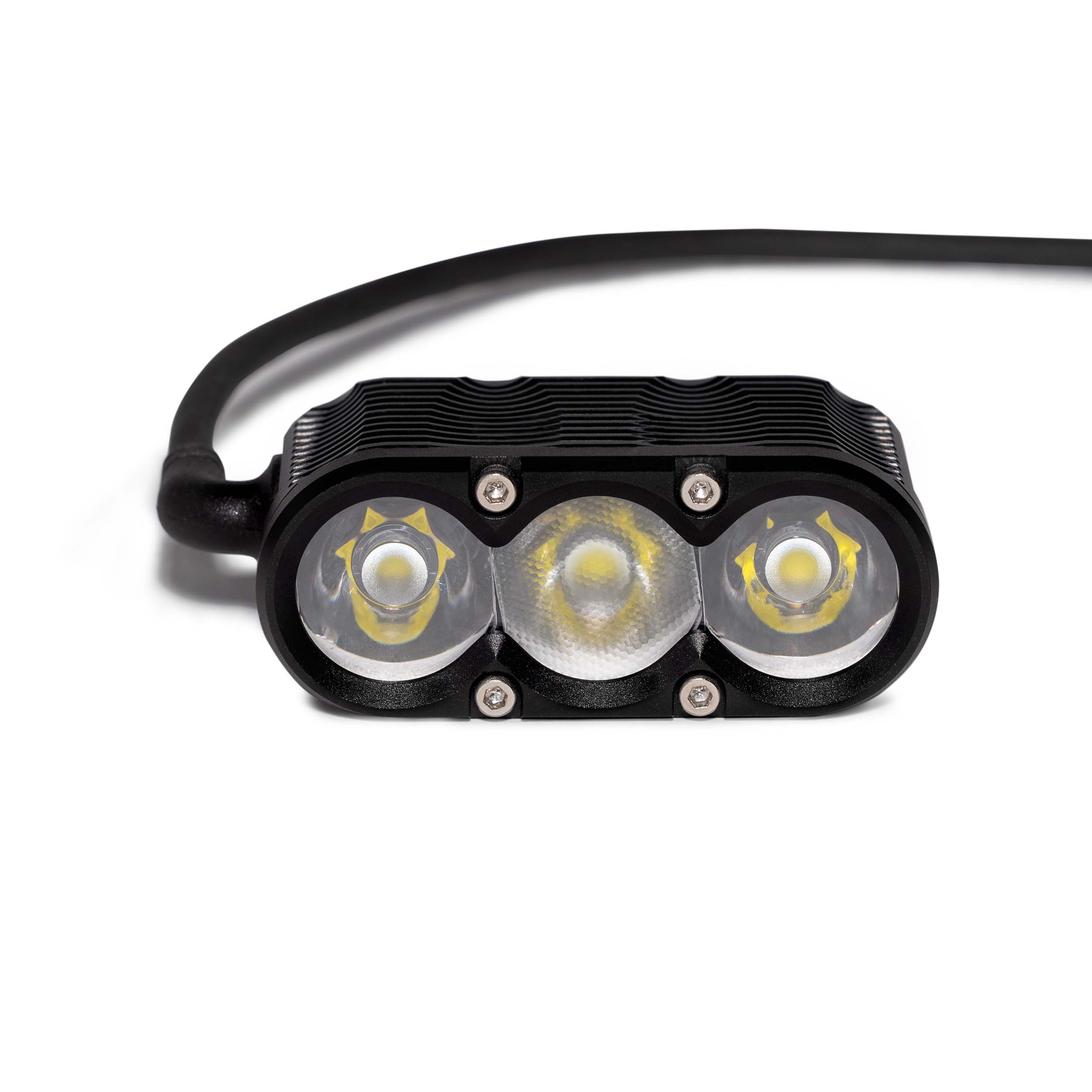
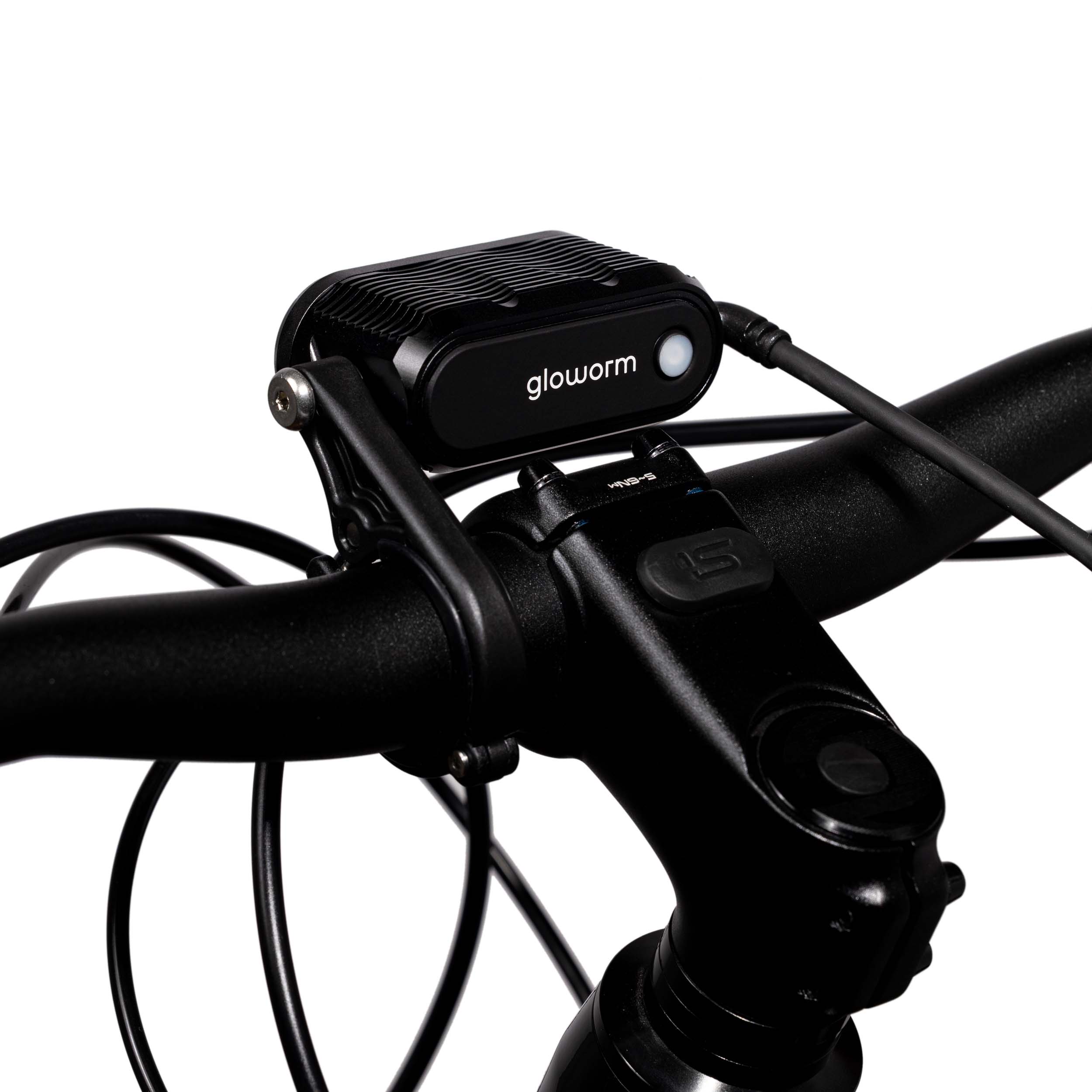
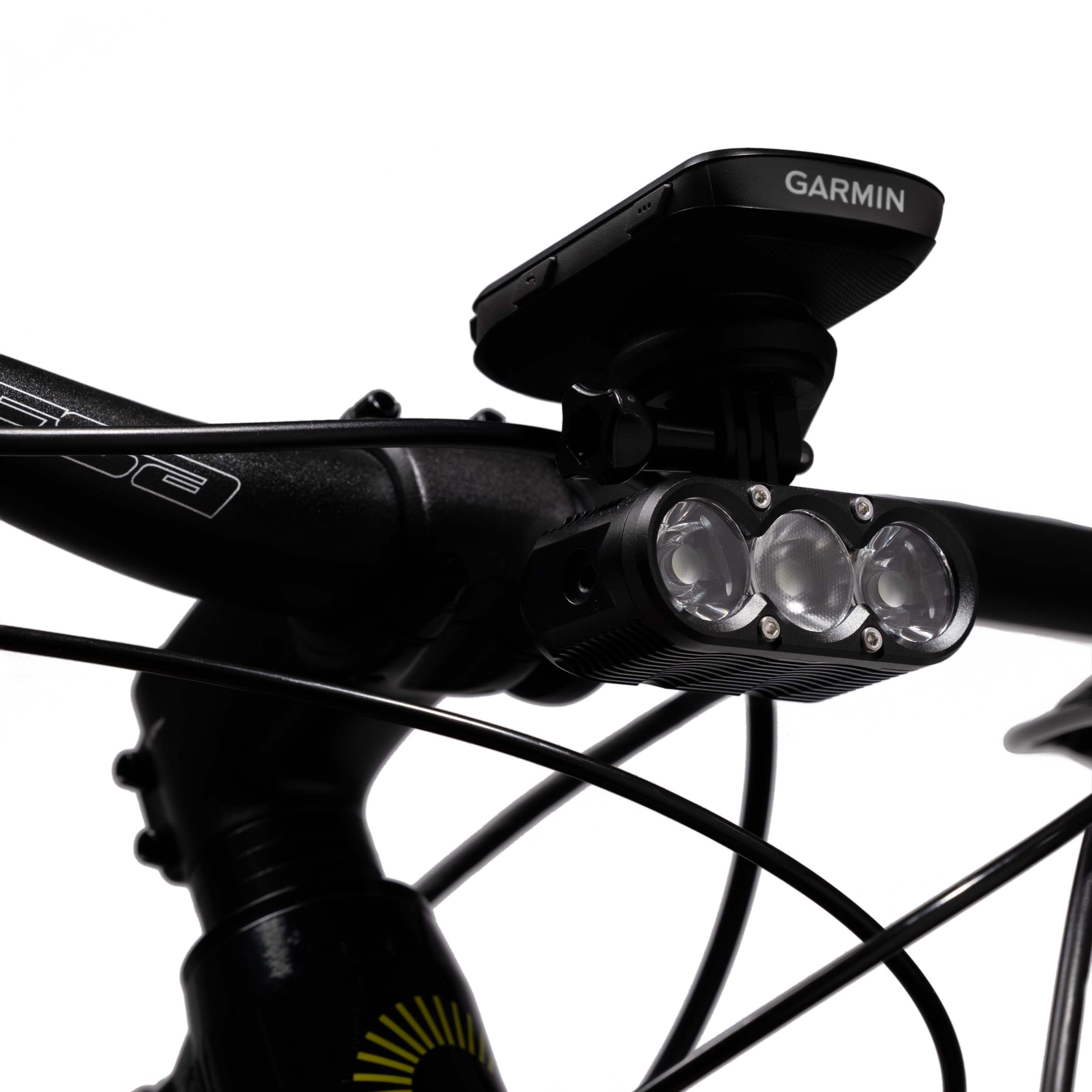
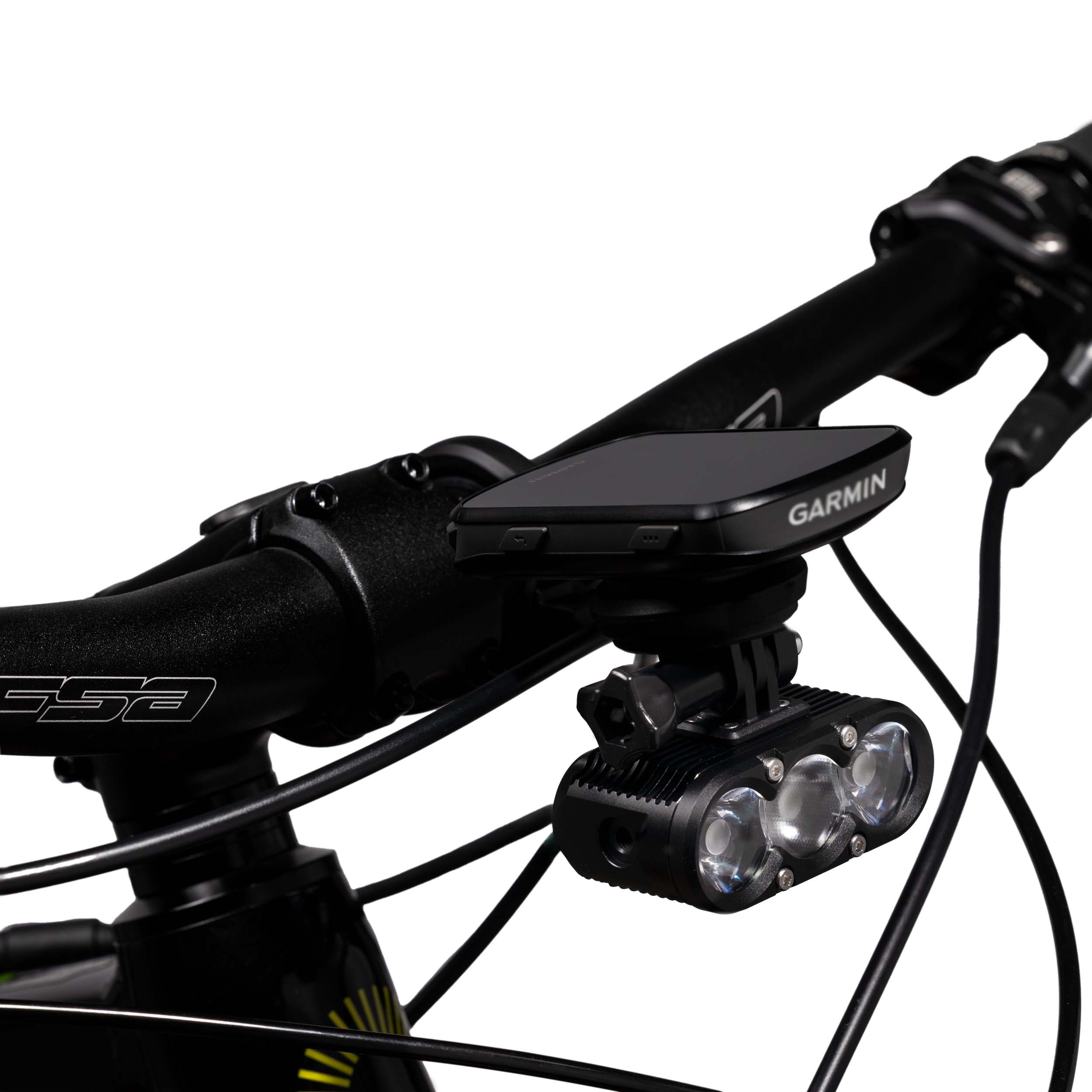
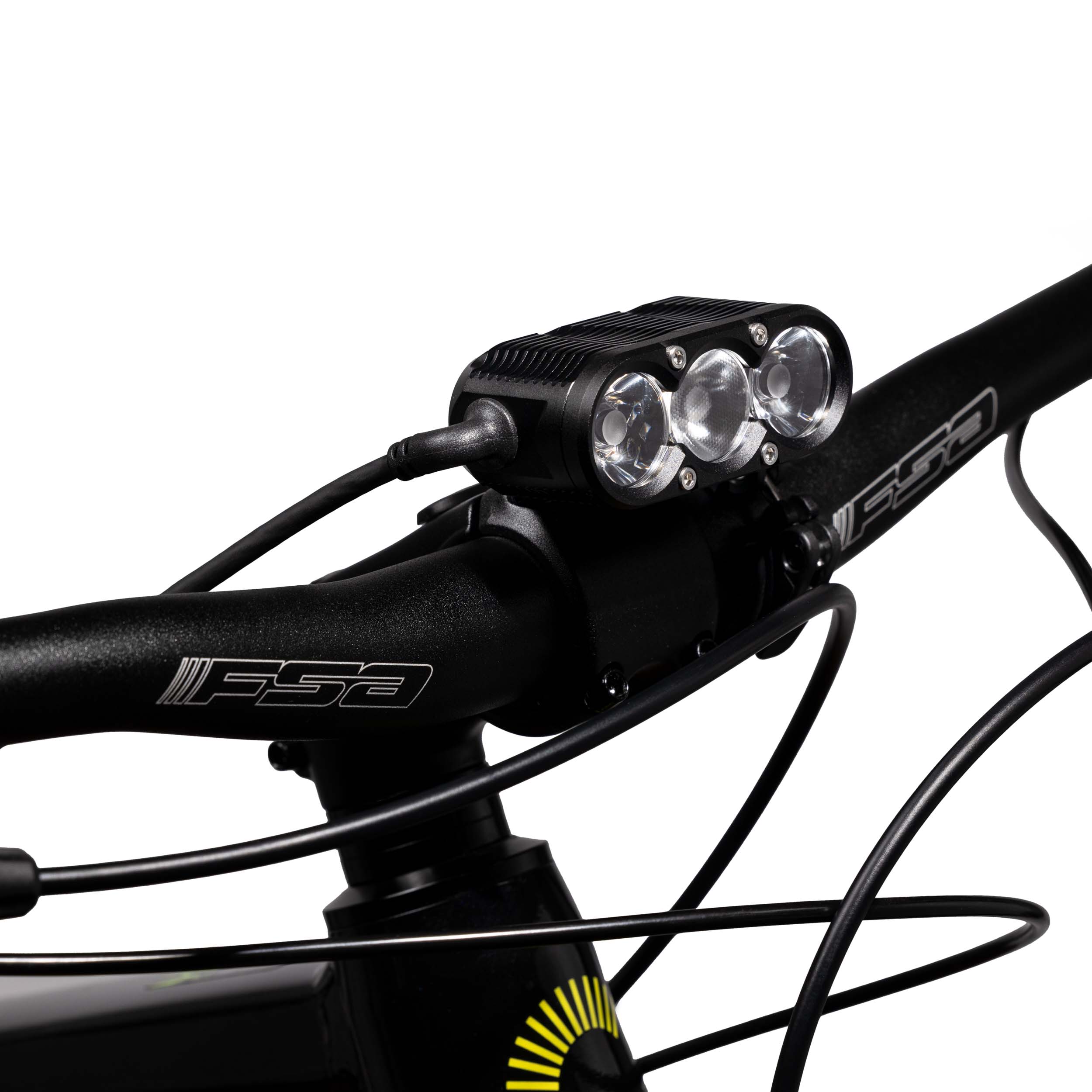
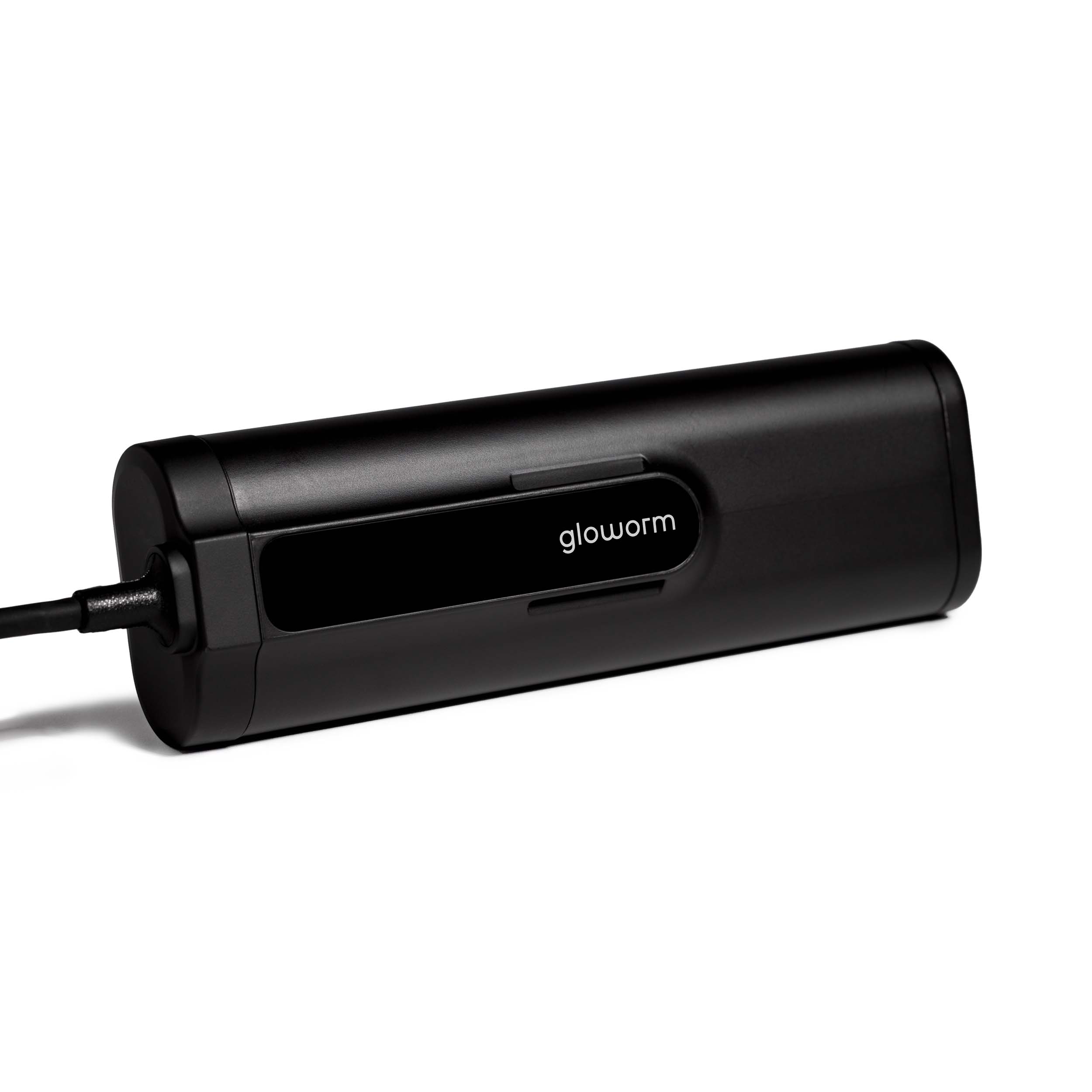
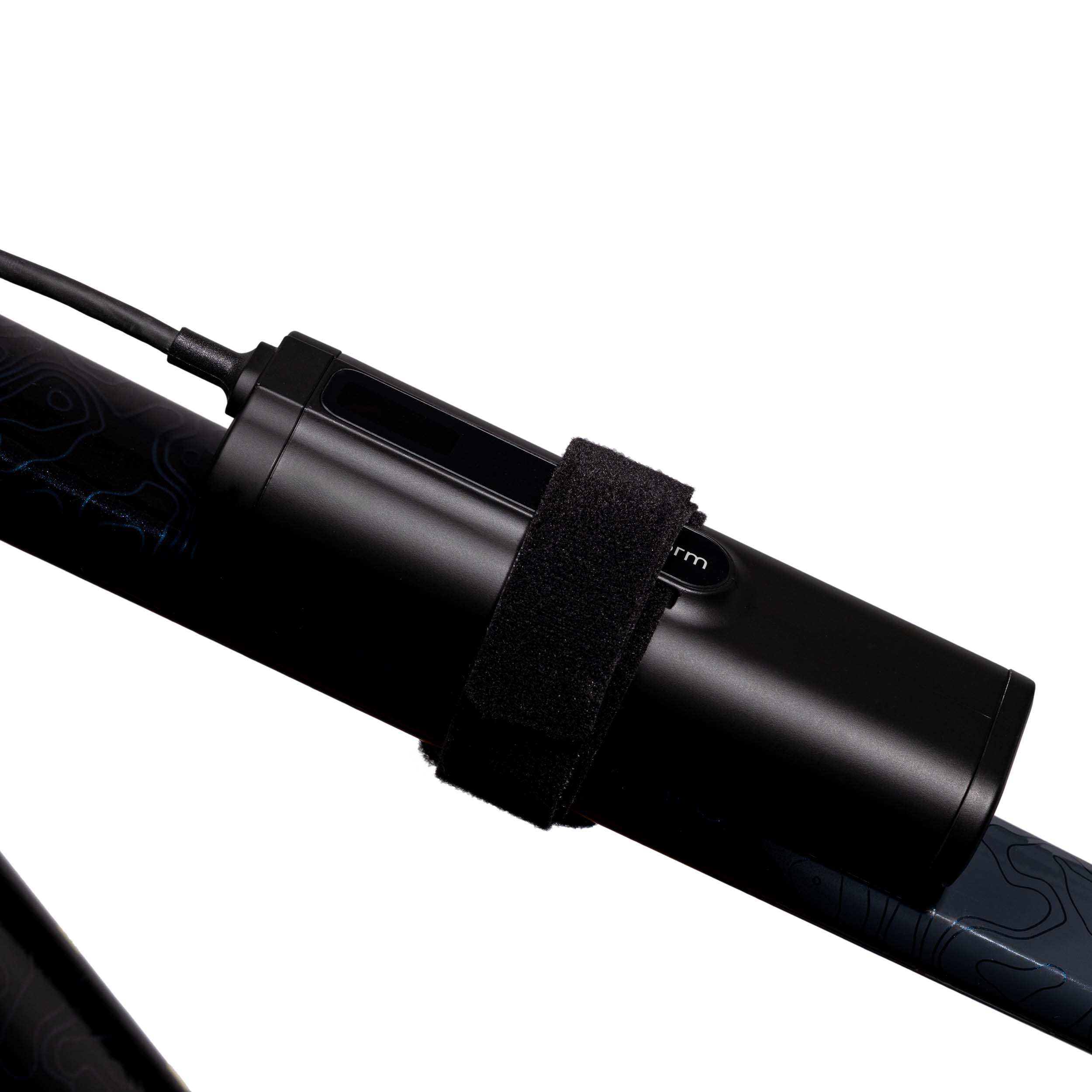
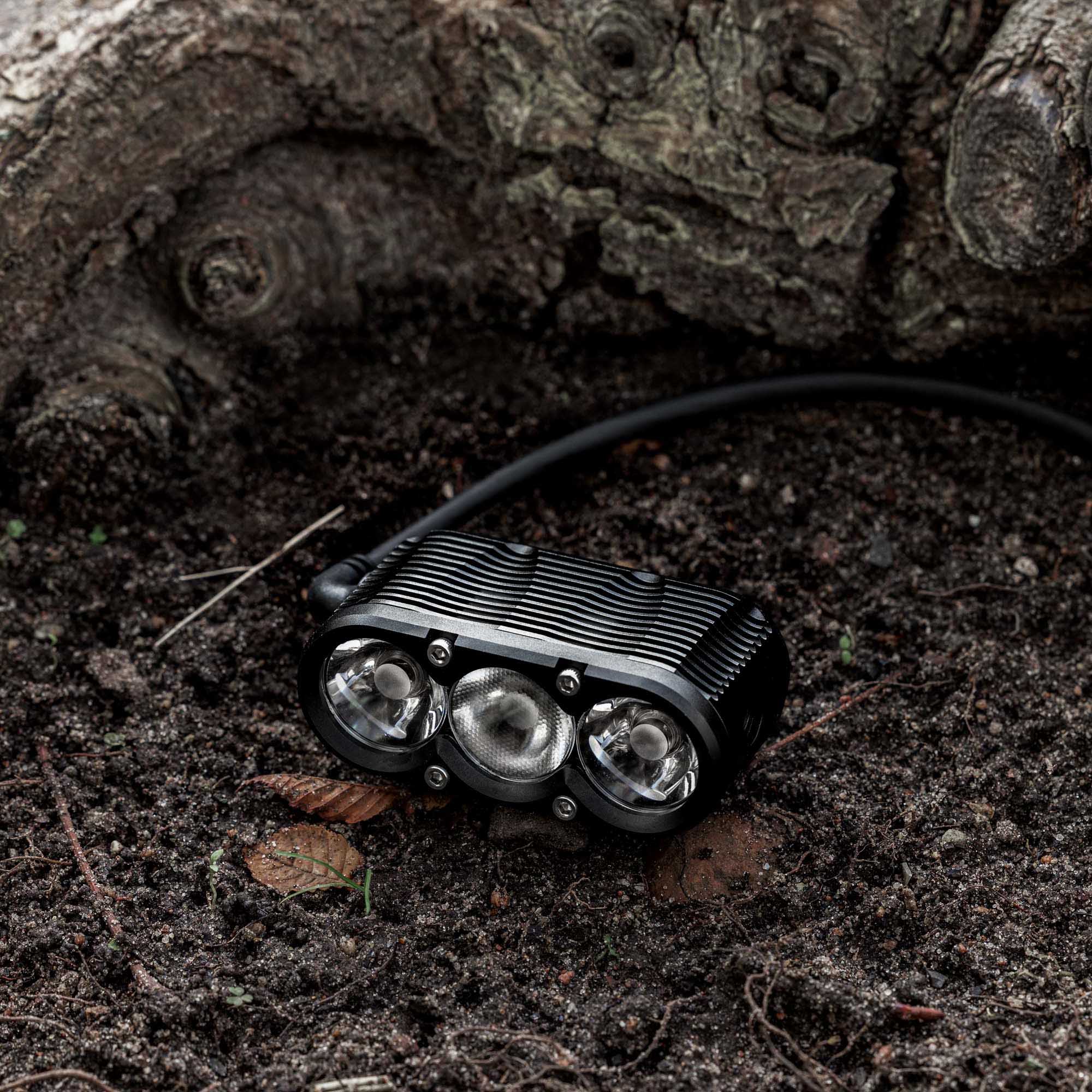
Gloworm XSV Light System (G2.1)
3600 Lumens
Original price was: NZD$569.00.NZD$455.00Current price is: NZD$455.00.
Package Options
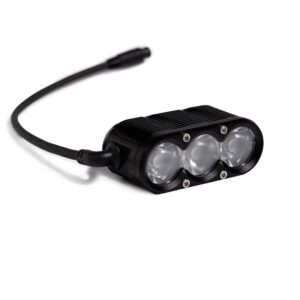
Gloworm XSV Light System (G2.1)
Original price was: NZD$569.00.NZD$455.00Current price is: NZD$455.00.
Includes Bar Mount and Power Pack 10 (G2.1)
Gloworm XSV Light System (G2.1)
Original price was: NZD$569.00.NZD$455.00Current price is: NZD$455.00.
Includes Bar Mount and Power Pack 10 (G2.1)
Warranty & Shipping
24-Month Warranty
Covered by our comprehensive 24-month warranty on self-contained light systems and light heads
14-Day Return Policy
Return your product within 14 days from the delivery date for a full refund. Your return window starts when you receive your light, not when you place your order.
Fast International Delivery
All orders ship from our international distributors for faster delivery to your region.
Free Worldwide Shipping
Free worldwide shipping on orders over $140 USD ($85 NZD for New Zealand)
No Import Fees
No import fees or customs charges for US, EU, NZ & AU orders
What's in the Box
Technical
Specifications


Optic Upgrade Packages: Sold separately

QR Bar Mount 31.8 & 35 mm & Universal Light Mount (included)
Helmet Mount:
Universal Helmet Mount & Low Profile Helmet Mount Adaptor (sold separately)

USB-PD Charger 45W: 3hr 30min
USB-PD Charger 20W: 5hr 15min
Power Pack 10 (G2.x): 360 grams
Power Pack 10 (G2.x): 85 x 50 x 31mm (LxWxH)
Technical
Specifications
Optic Upgrade Packages: Sold separately
QR Bar Mount 31.8 & 35 mm & Universal Light Mount (included)
Helmet Mount:
Universal Helmet Mount & Low Profile Helmet Mount Adaptor (sold separately)
USB-PD Charger 45W: 3hr 30min
USB-PD Charger 20W: 5hr 15min
Power Pack 10 (G2.x): 360 grams
Power Pack 10 (G2.x): 85 x 50 x 31mm (LxWxH)
Product FAQS
Are Gloworm Lights waterproof?
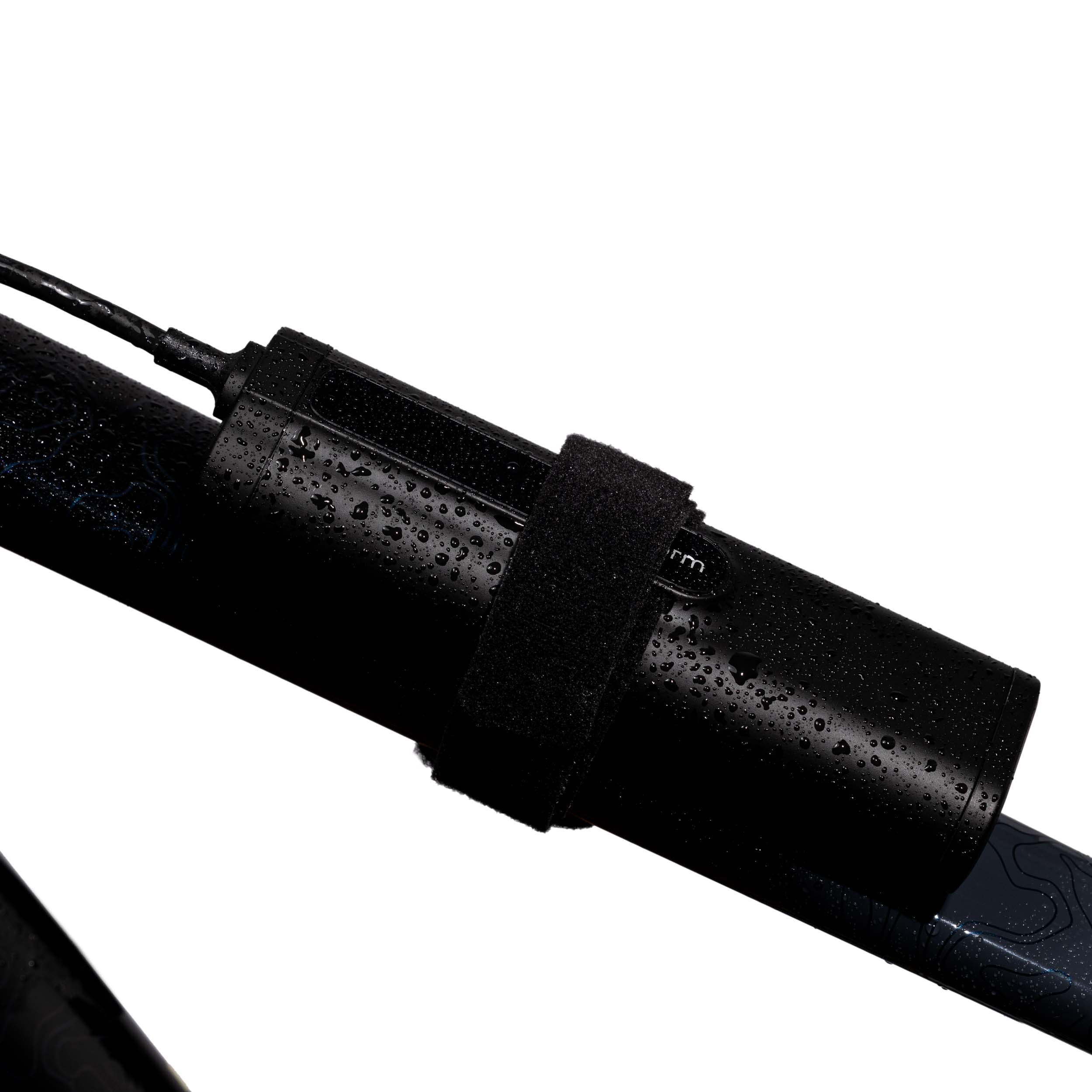
Yes. All Gloworm Light Systems are rated IP67: protected against dust and temporary immersion in water, although we don’t recommend submerging them.
Do I need to use the Gloworm Link App to operate my light?
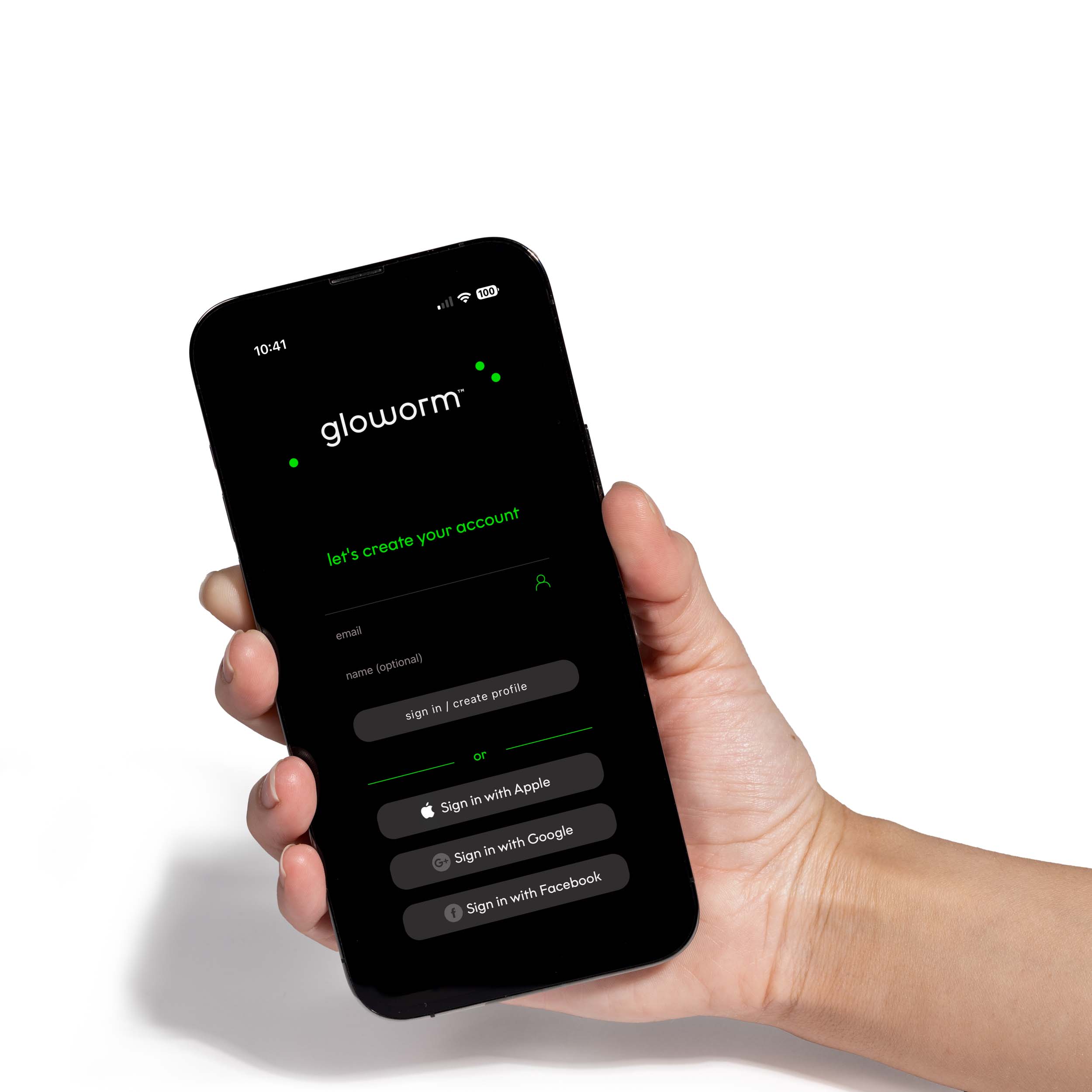
No, but you’ll get much more from your light with it. The Gloworm Link App lets you create and adjust custom light levels, update firmware (we regularly release updates that improve battery life, temperature management, light output and more) and check your battery level and health.
You can use your Gloworm Light without ever pairing it with the app, but you won’t be using it to its full potential. Download it free from the App Store or Google Play.
How do I customise my light’s output and runtime with the Gloworm Link App?
Create a Custom Light Profile in the Gloworm Link App to set your own light levels (anywhere from 1-100%) and choose a Special Mode, such as a flashing mode or Dim Mode. The factory Default Light Profile can’t be adjusted, and you can create as many Custom Light Profiles as you like.
For full steps, see your User Guide [LINK: User Guide FAQ].
How do I pair my light with the Gloworm Link App?
Download the Gloworm Link App (App Store / Google Play), turn on your phone’s Bluetooth and put your G2.x* light in pairing mode. Then open the app, tap the + symbol and follow the on-screen prompts.
How you put your light in pairing mode depends on your light, so check your User Guide for the steps [LINK: User Guide FAQ].
*G1.0 lights and batteries aren’t compatible with the Gloworm Link App.
How do I pair multiple Gloworm Lights to a single TX remote?
Follow the steps for Single Button Mode or Dual Button Mode for each light you’d like to pair. You can pair the lights at the same time or one at a time.
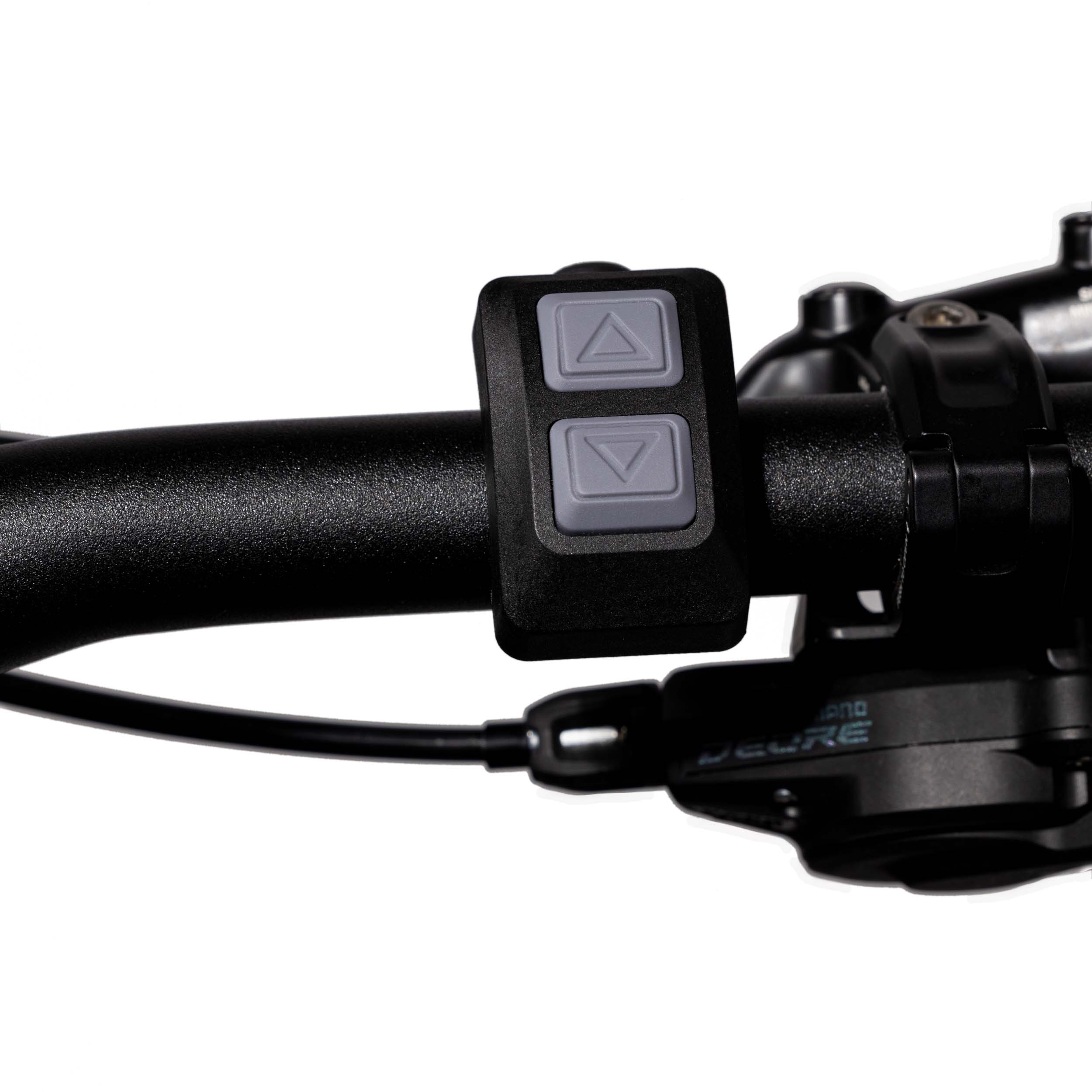
Single Button Mode (separate control): pair each light to its own button, for example your helmet light to Button A and your handlebar light to Button B. Each button then steps through the light levels* of its own light.
Dual Button Mode (synchronised control): pair each light in Dual Button Mode on the same remote. Both lights are paired to Button A and Button B, so when you click up with Button A both lights get brighter, and when you click down with Button B both lights dim*.
*You can fine-tune each light’s levels in the Gloworm Link App. When you run two lights, separately or in sync, this stops one light washing out the other as you click through the levels.
How do I pair my TX Remote with my light?
You can pair your TX (BT) Remote in two ways:
- Single Button Mode: one button steps up through the light levels and then back to the lowest level.
- Dual Button Mode: one button steps up and the other steps down.
The pairing steps depend on your light, so follow the instructions in your User Guide [LINK: User Guide FAQ].
Which mounts work with my light?
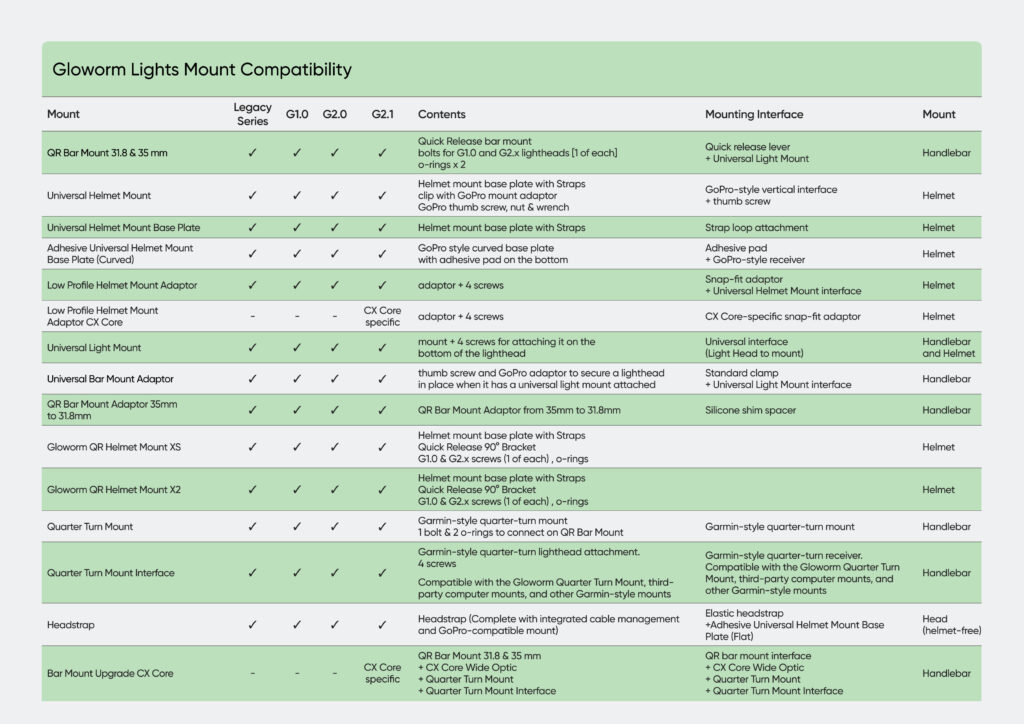
Almost all Gloworm Lights mounts work across every generation of our Light Systems; a few parts are CX Core-specific. Use the table below to check what fits your light and what’s included with each mount.
Recommended Accessories
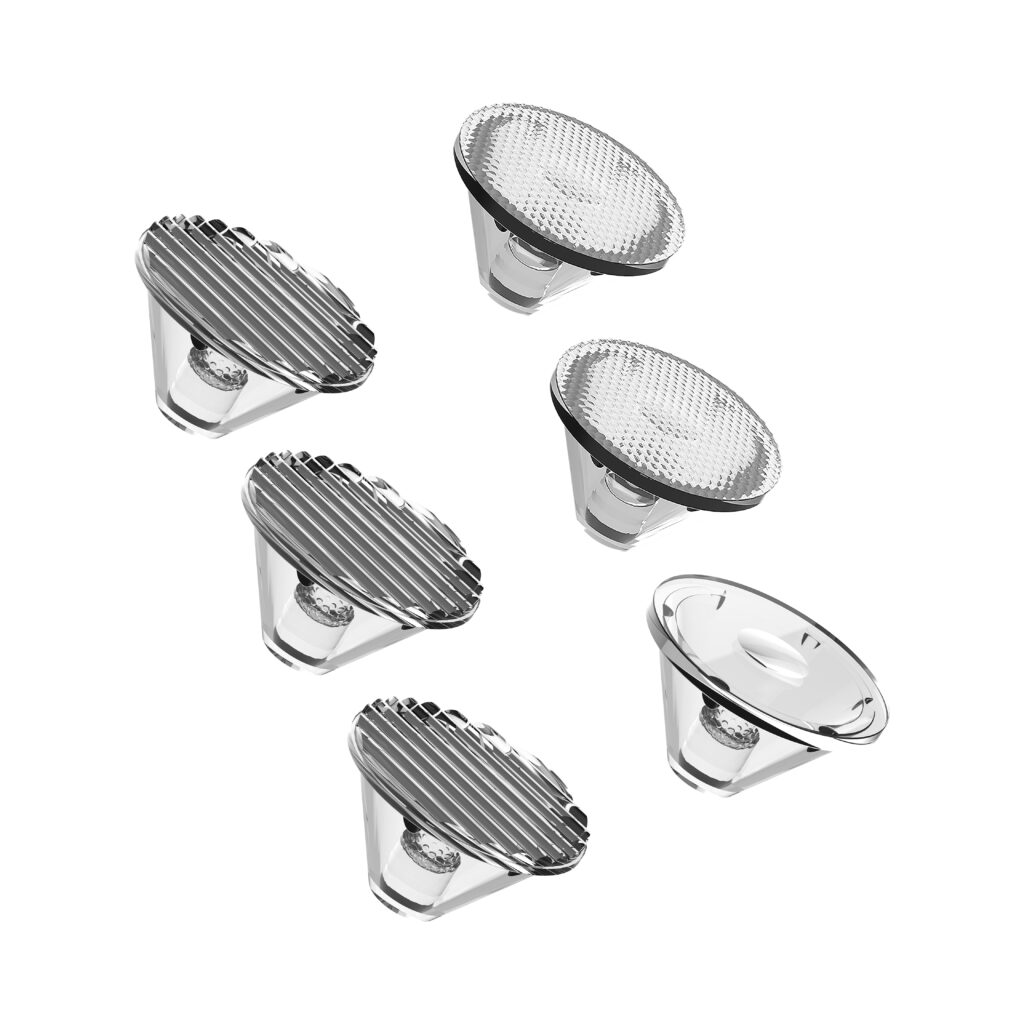
Gloworm Optic Upgrade Package (6 Optics) (G2.x) – Gloworm XSV Optic Upgrade Package (6 Optics) (G2.x)
Original price was: NZD$34.00.NZD$27.00Current price is: NZD$27.00.
Gloworm Optic Upgrade Package (6 Optics) (G2.x) – Gloworm XSV Optic Upgrade Package (6 Optics) (G2.x)
Original price was: NZD$34.00.NZD$27.00Current price is: NZD$27.00.
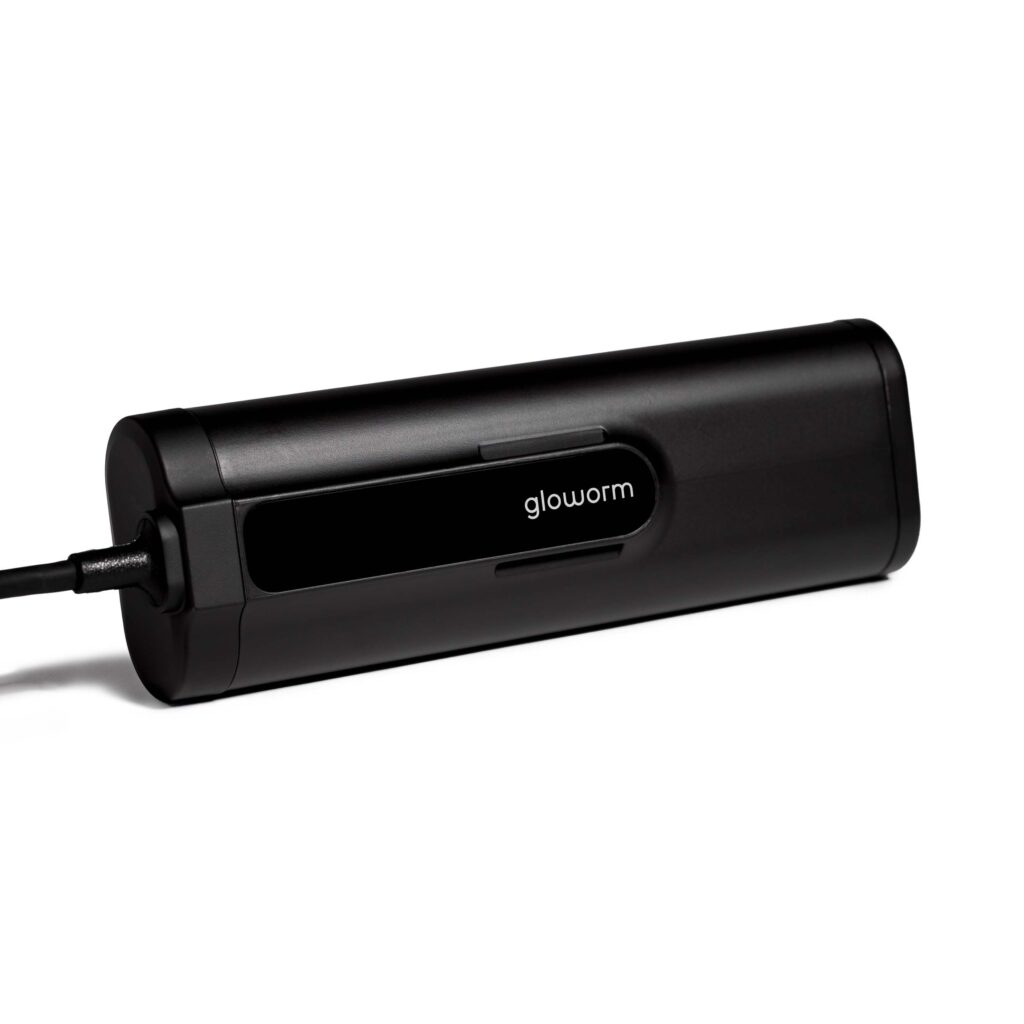
Gloworm Power Pack (G2.x) – Gloworm Power Pack 10 (G2.1) (Fast Charge Battery 10Ahr)
Original price was: NZD$219.00.NZD$175.00Current price is: NZD$175.00.
Gloworm Power Pack (G2.x) – Gloworm Power Pack 10 (G2.1) (Fast Charge Battery 10Ahr)
Original price was: NZD$219.00.NZD$175.00Current price is: NZD$175.00.
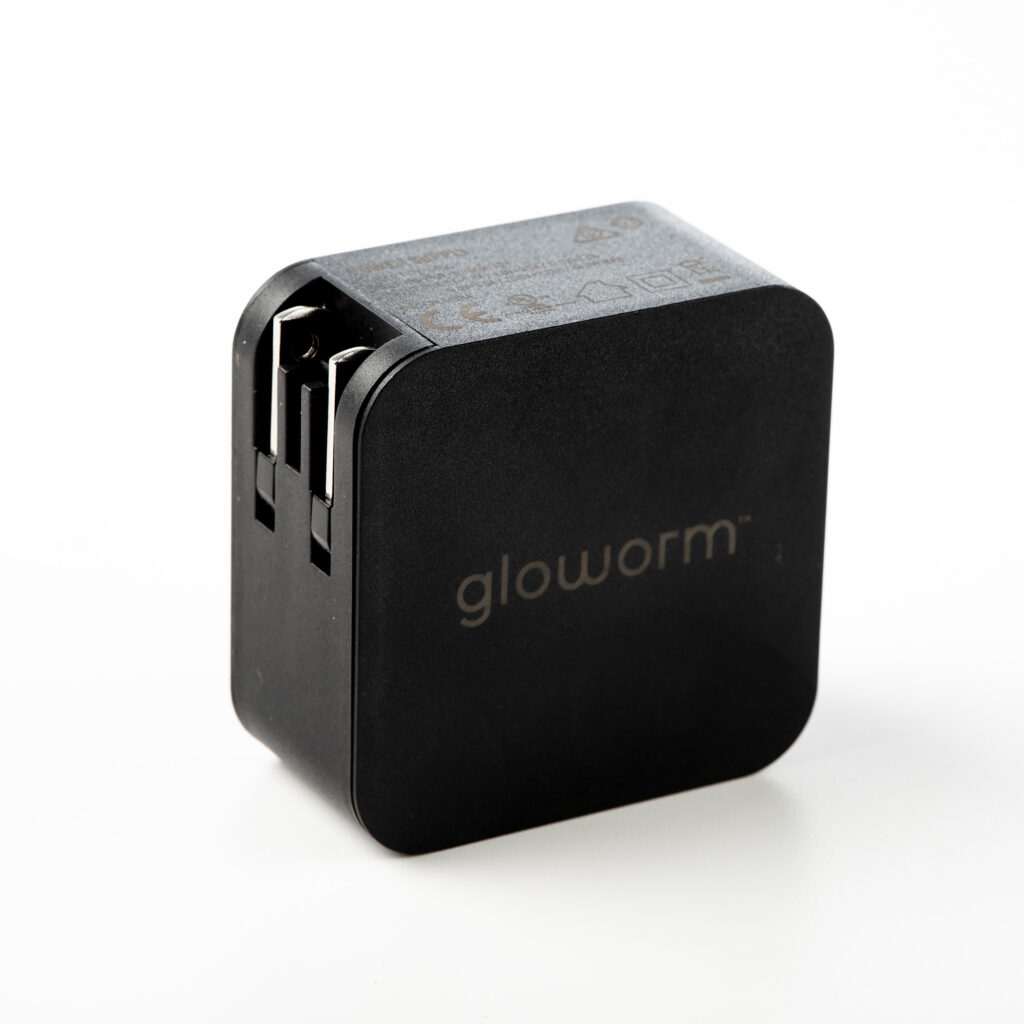
Gloworm USB-PD Fast Charger (G2.x)
Price range: NZD$26.00 through NZD$42.00
Gloworm USB-PD Fast Charger (G2.x)
Price range: NZD$26.00 through NZD$42.00
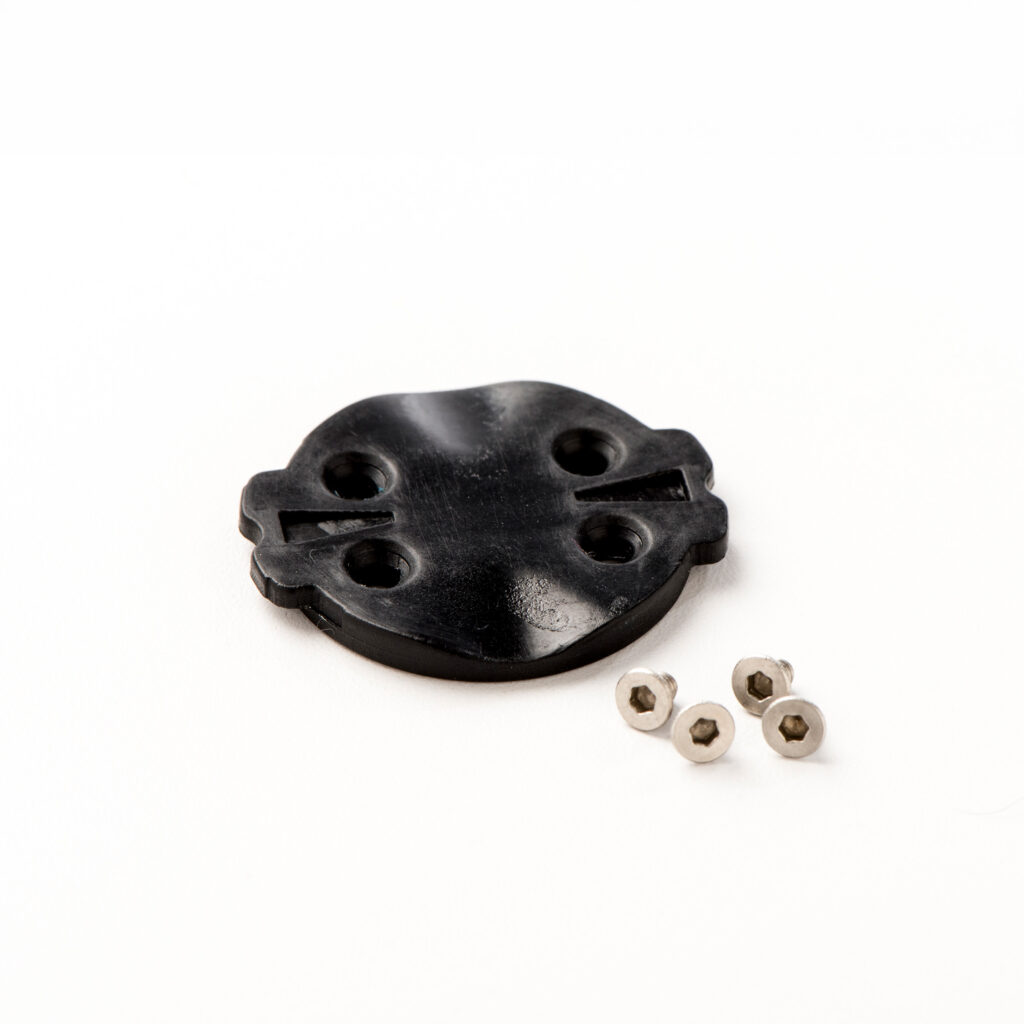
Gloworm Quarter Turn Mount Interface
Original price was: NZD$12.00.NZD$10.00Current price is: NZD$10.00.
Gloworm Quarter Turn Mount Interface
Original price was: NZD$12.00.NZD$10.00Current price is: NZD$10.00.
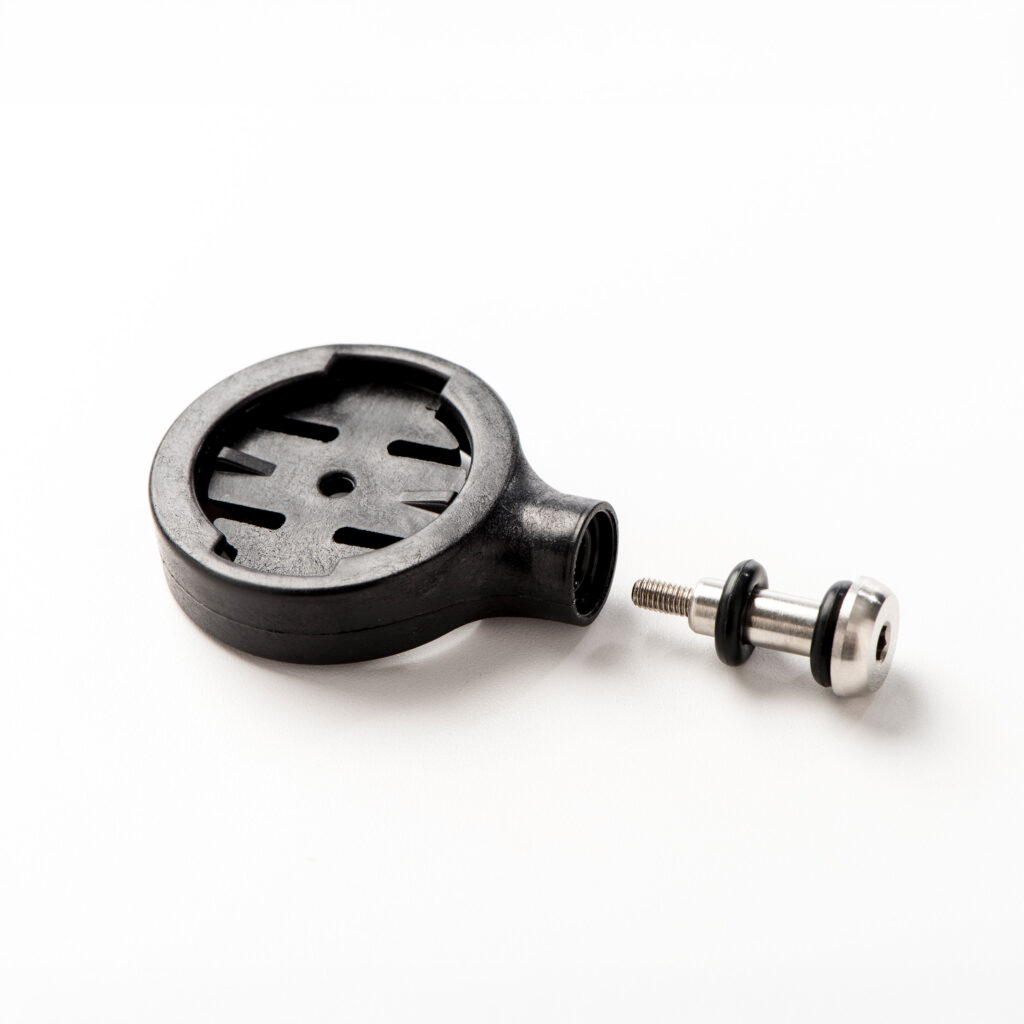
Gloworm Quarter Turn Mount
Original price was: NZD$11.00.NZD$9.00Current price is: NZD$9.00.
Gloworm Quarter Turn Mount
Original price was: NZD$11.00.NZD$9.00Current price is: NZD$9.00.
Gloworm Optic Upgrade Package (6 Optics) (G2.x) – Gloworm XSV Optic Upgrade Package (6 Optics) (G2.x)
Original price was: NZD$34.00.NZD$27.00Current price is: NZD$27.00.
Gloworm Power Pack (G2.x) – Gloworm Power Pack 10 (G2.1) (Fast Charge Battery 10Ahr)
Original price was: NZD$219.00.NZD$175.00Current price is: NZD$175.00.
Gloworm USB-PD Fast Charger (G2.x)
Price range: NZD$26.00 through NZD$42.00
Gloworm Quarter Turn Mount Interface
Original price was: NZD$12.00.NZD$10.00Current price is: NZD$10.00.
Gloworm Quarter Turn Mount
Original price was: NZD$11.00.NZD$9.00Current price is: NZD$9.00.

New Zealand
Engineered

Intelligent
Manufacturing

Outstanding
Customer Support

Community-Driven
Innovation
In stock
Original price was: NZD$569.00.NZD$455.00Current price is: NZD$455.00.
In stock
Original price was: NZD$569.00.NZD$455.00Current price is: NZD$455.00.
In stock
In stock